In the following article we review the key concepts of Google Ads and the key aspects to consider when creating an advertising campaign on this platform.
What is Google?
Google, founded in 1998 by Larry Page and Sergey Brin, is the most popular website in the world and the most widely used search engine worldwide.
But Google is not just a search engine; it also offers other types of solutions such as internet search analytics, cloud computing, web applications, operating system development and advertising technologies. Of the latter, Google Ads is what we are going to talk about today.
What is Google Ads?
Google Ads, also known as Google Adwords, is an online advertising solution that companies use to promote their products and services on the various search engines and platforms such as Google Search, YouTube, Gmail, etc.
This application (an extension for your business) allows the advertiser to choose specific goals for their ads, such as boosting their phone calls or visits to their website. It also lets them customize budgets for advertising campaigns and targeting, allowing them to start and stop their advertising campaigns at any time.
Basic concepts
Once we know that we want to place ads on the web to win more customers, we must keep the following concepts in mind:
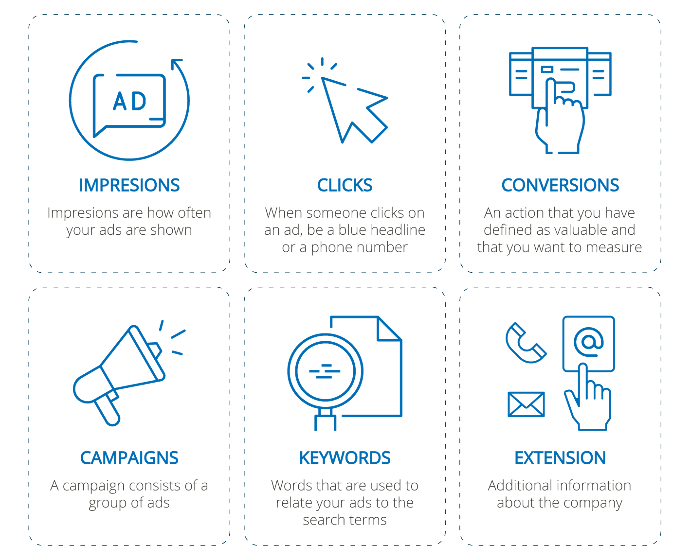
Impressions, Clicks, Conversions
- Impressions: Impressions are how often your ads are shown. An impression is counted each time an ad appears on a search results page or on another site in the Google network.
- Clicks: When someone clicks on an ad, whether a blue headline or a phone number, Google Ads will record that action as a click. The click is counted even if the person does not reach the website.
- Conversions: A conversion is an action that you have defined as valuable and that you want to measure to know when it happens on your website. (For example, you may want to define a subscription to your website as a conversion; you will then have information on how many people clicked on your ad and, as a conversion, how many people subscribed to the website).
Ad Groups and Campaigns
- Ad group: An ad group contains one or more ads that share similar targeting.
- Campaigns: A campaign consists of a set of ad groups (ads, keywords and bids) that share a budget, geographic targeting and other settings. With a Google Ads account, you can have more than one active campaign.
Keywords
Keywords are words or phrases used to match your ads with the terms users search for. A relevant, high-quality keyword selection can help you reach the customers you want, when you want to reach them.
Extensions
Once you have created the ad, this feature allows you to show additional information about the company in the ad.
Example: Address, phone number, store rating.
Campaign Mechanics
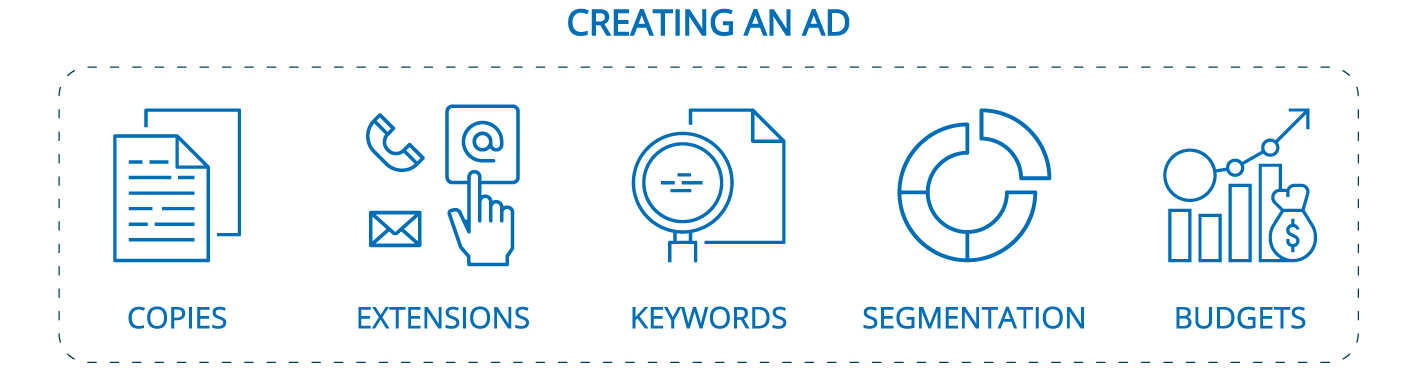
Ad creation
Copies
Copies are advertising text. In digital marketing we use the term to refer to the text excerpts we use for a campaign or on social media. Generally several copies are tested and the one with the best return is chosen: click-through rate or conversion rate per impression. In some cases they may include hashtags, calls to action, phrases or songs that make us identify that text with the brand.
Example: Just do it, related to the Nike brand, or the song Our House by the band Madness, which we can identify with Bosch brand products.
Extensions
As we saw in that section, we should include in our ad the extensions of our company that we consider appropriate.
Example: Website, phone number, address.
Keywords and Negative Keywords
When we search on Google, we usually type words or phrases into the search box. The words that cause an ad to be displayed are what we call keywords.
When an ad is created in Google Ads, keywords must be created so that every time someone searches for a product related to your brand, the ad you have created appears on the Google page. Conversely, we have negative keywords: these words do the opposite of keywords. They are words or phrases that we add to our Google Ads account so that the ad is not triggered. The ads will not be shown to any user searching for that phrase. This is also known as negative matching.
Example: Preventing your ad from being triggered when someone searches for something with the term “free”.
Targeting
Targeting our advertising gives us the ability to divide the target audience to which we direct the ads. Based on certain predefined characteristics and in line with our interests, we seek to reach our buyer, maximizing the performance of our campaign.
Targeting can be of many types, and we can combine different types at the same time.
Examples: Geographic and demographic targeting, even by keywords, by days and times (not showing our ad on certain days or at certain times)
Payment model (pay per click or pay per conversion)
When it comes to paying for ads, this can be done in different ways:
- Pay per Click: An advertising model in which the advertiser pays for its ads on the website that displays them through a fee based on the number of clicks made on the ad
- Pay per conversion (CPA): As we saw earlier, a conversion occurs when a user performs an action on your website. In this case, you only pay when customers generate conversions on your website or app. For this, Google Tag Manager is usually used which, once installed on our website, allows us to detect actions and count them as conversions.
Budget
Budgets for an advertising campaign on Google Ads depend on its complexity. The setup of a basic campaign is around €100 and the monthly cost is variable. A general rule is 1:10:100: for every 100 impressions we get 10 clicks and 1 conversion. If we pay an average of €1 per click, each opportunity costs €10. Therefore, we can estimate the cost of a campaign and its expected return.